
Customise your student profile overview
You can choose which fields of information are visible on the overview page of a student profile and customise the order they are seen
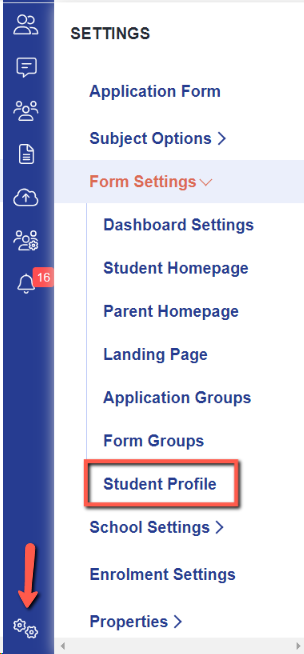
Navigate to settings > form settings > student profile
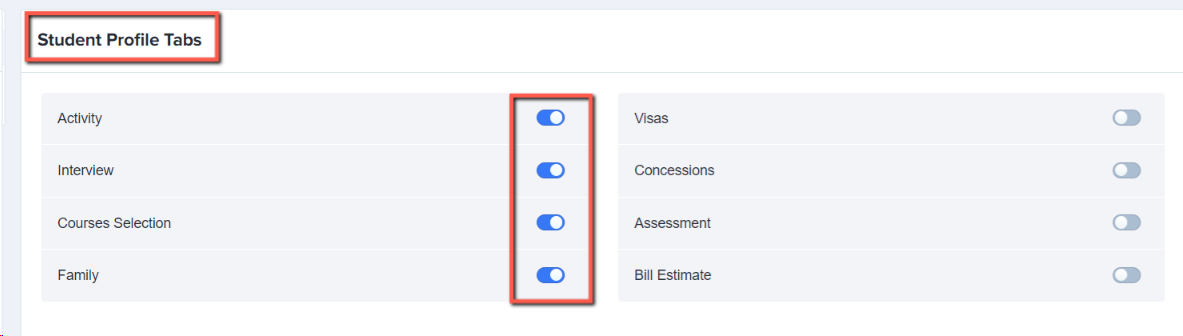
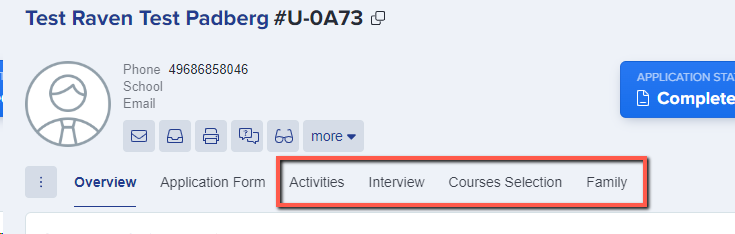
You can control which tabs of information are visible on a student’s profile by toggling switches on:
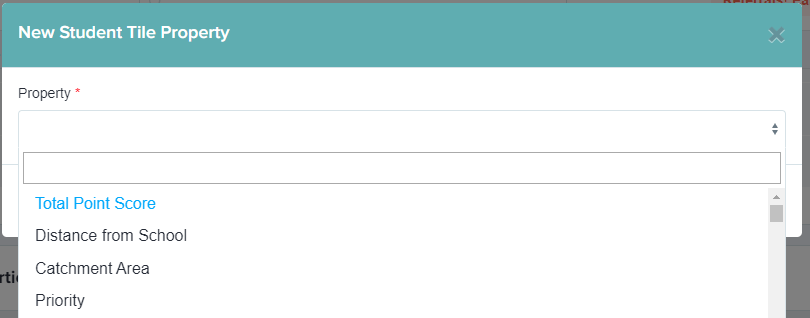
Click the bin icon to remove any fields from the overview which you do not wish to see, and select “add new” to add any extra fields on:
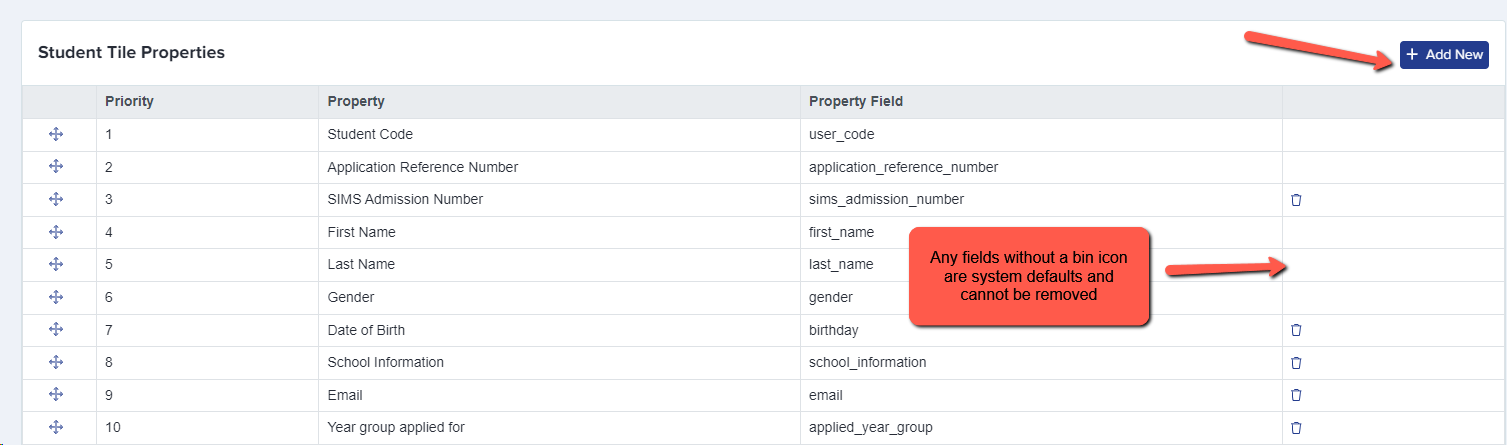
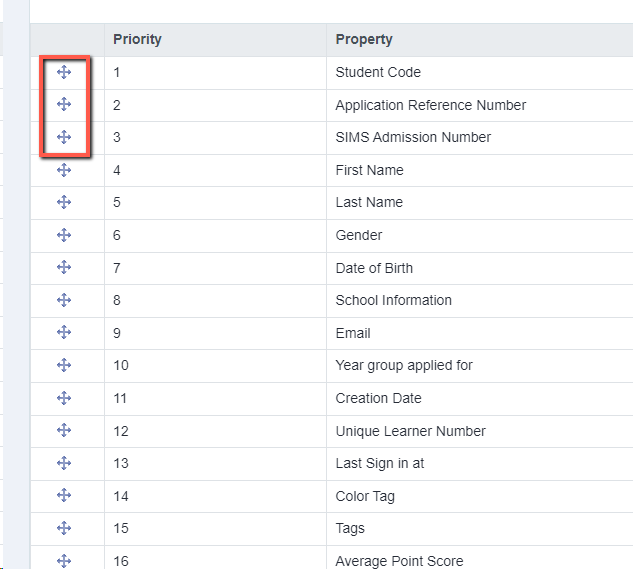
Drag and drop fields into the order you wish them to be displayed:
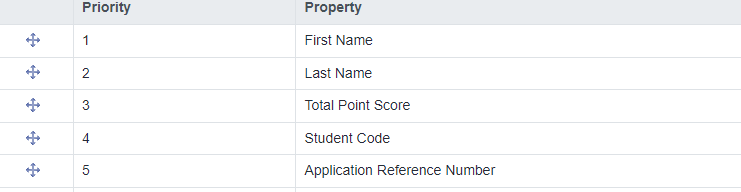
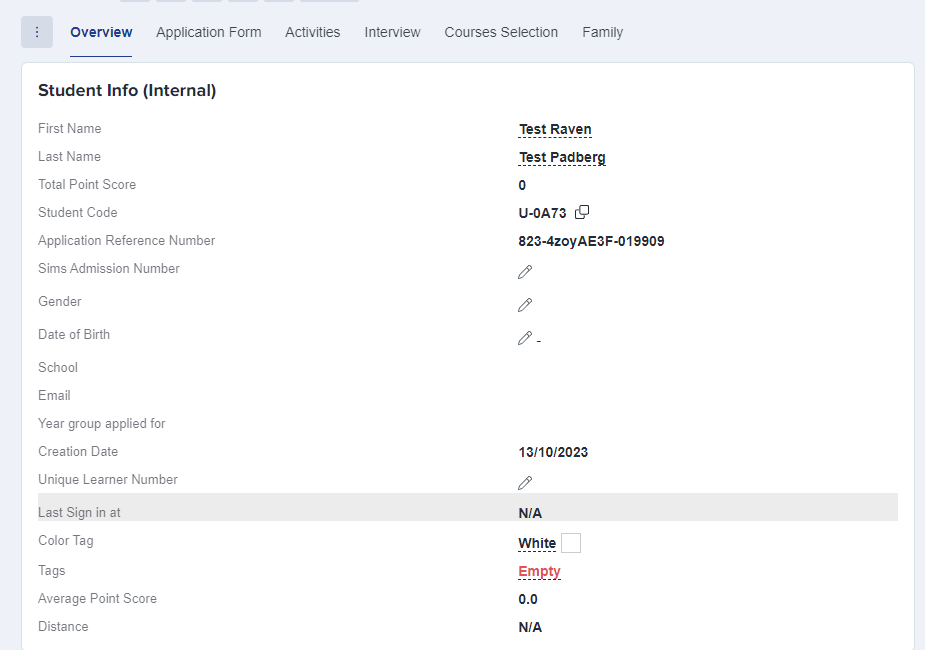
These settings are then applied to every student profile within the form you are currently working in (for example Year 12 Application Form).
Was this article helpful?
Thanks for your feedback.